
Table of contents
No headersThe Backup Summary page conveniently lists all revelent settings for the backup set in one place, showing each option, and where the option was set (i.e., either factory, site, or in the backup set itself).
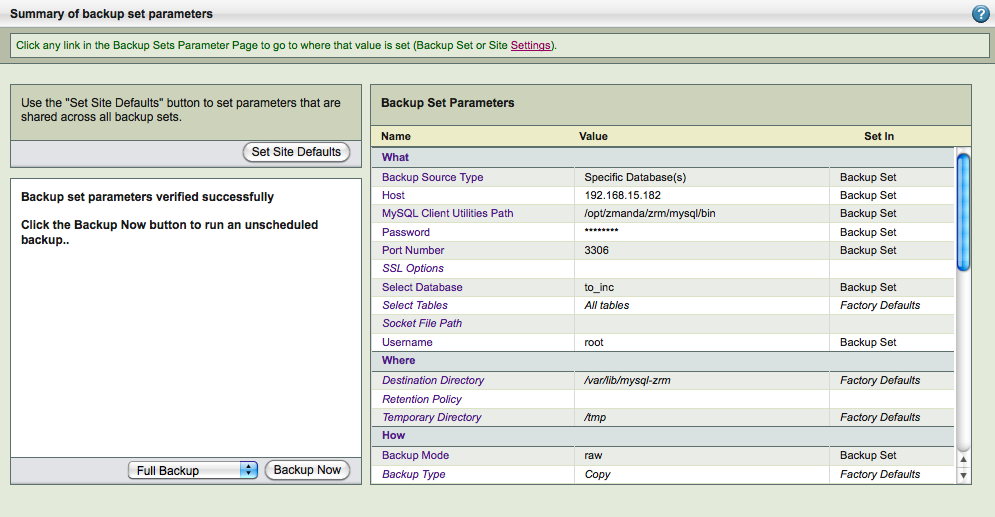
The summary items are listed under headings that correspond to the Backup page where the option is set. Note that the "Backup Type" field in this context refers to whether a copy of the backup was transferred to the ZRM server. This field will display Copy for all backup operations except for Quick Snapshots, where it will display No-copy.