Table of contents
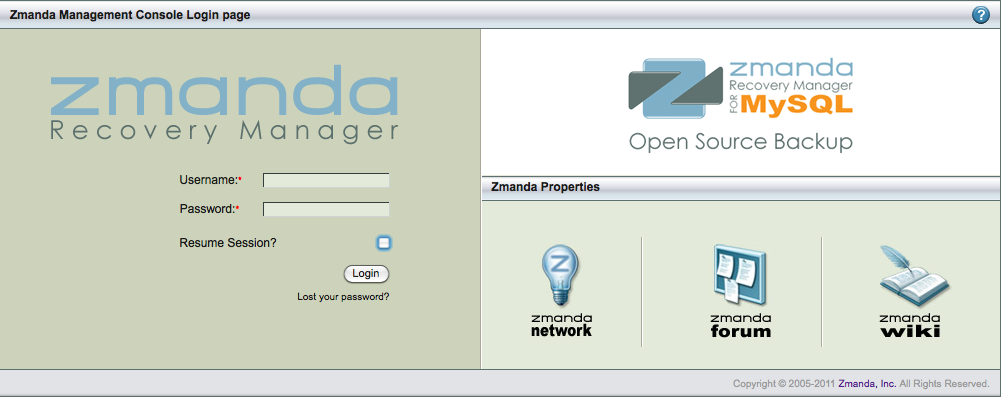
Logging in to the Zmanda Management Console
The ZMC is web-based, and can be accessed from any machine on the network.
To access ZMC, open any web browser and point it to the ZMC server. For example. if the backup server is ZMCbackupserver.company.com, and you have specified port 1234 for web services during the installation process, use the following URL:
https://ZMCbackupserver.company.com:1234
By default, the ZMC web server uses port 80.
[edit]
Initial User name and Password
After the you have downloaded and installed the ZMC, log in with the default user name "admin" using a password of "admin”.
Important note: We strongly recommend that you change the password as soon as possible.