Table of contents
About Backup Sets
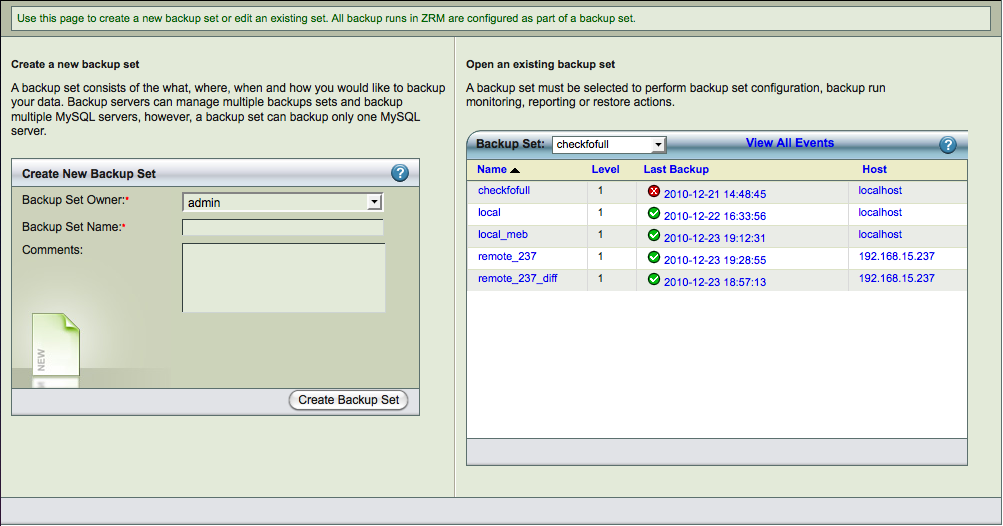
The backup set is a grouping mechanism that simplifies and optimizes backing up MySQL databases, and tables that are accessible for a MySQL server or is a part of MySQL cluster. It lets an administrator define a set of backup policies (what, how, where and when) to automatically schedule different backup runs.
All ZMC actions (backup, restore, reporting, and monitoring) are performed in the context of backup sets.
A backup set cannot include more than one MySQL server, unless those servers form a cluster. A backup set can include one or more databases. When selecting individual tables as backup sources, you must select a single database, then the tables it contains. A single backup set cannot contain tables from multiple databases.
Multiple backup sets are useful for protecting a large number of systems with different backup requirements, but many organizations with less complex backup requirements can define a single backup set to meet their needs. For example, on a network that includes several databases with high transaction rate along with other databases that change more slowly, you would probably want to create one backup set for the more active databases, and another backup set for the less active ones.
What a Backup Set Contains
A backup set is defined by the following properties:
- Name
- Besides being unique, the name must consist of alphanumeric characters. Dashes (-) and underline (_) characters are also allowed.
- What
- Type and Name of MySQL host: Identifies the MySQL server (identified by DNS name or IP) or cluster being backed up, and the database(s), or table(s) within in a database to back up.
- Where
- The destination directory where the backups will be stored until they are expired by the retention date specified by the retention policy.
- When
- Specifies the backup cycle policies used when automatically generating backup schedules.
- How
- Specifies the backup mechanism to use and other parameters such as Backup Mode, Replication, Encryption, snapshots, etc.
Convenience in setting up multiple backup sets
ZRM for MySQL employs multiple levels of default inheritance to simplify the process of administering multiple backup sets:
- Factory settings
- These are the "built-in" assumptions that allow many administrators to use ZRM for MySQL right "out of the box" with few configuration changes.
- Site Settings
- These allow the admistrator to set global defaults used when creating backup sets. For example, if you have a single MySQL server and are creating multiple backup sets for different the databases it contains, you can set up a site-wide default MySQL server (and related parameters).
- Backup set
- The backup set itself allows you to override either Factory or Site settings.
ZRM for MySQL also lets you create backup sets by duplication. You can copy an existing backup set to a different name and then edit it as necessary.