Table of contents
No headers- 1. Click on the Monitor Tab to activate it.
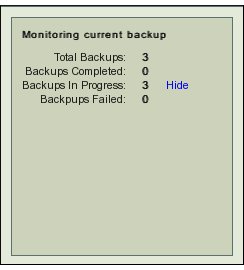
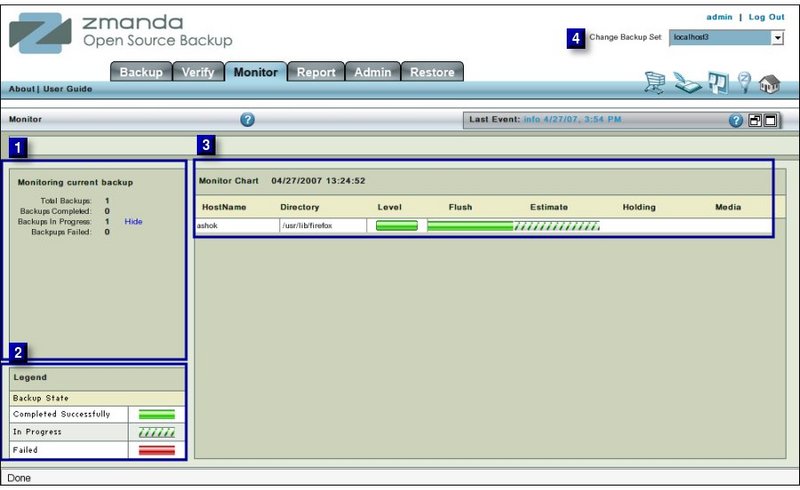
- 2. The activated Monitor Tab shows details of an active running Backup Task associated with the Backup Set.
- If no Backup Task is running for the Backup Set, there is a Message as shown below: