Table of contents
No headers- 1. Click on the Restore Tab to activate it.
- 2. The activated Restore Tab opens on the Restore What sub task.
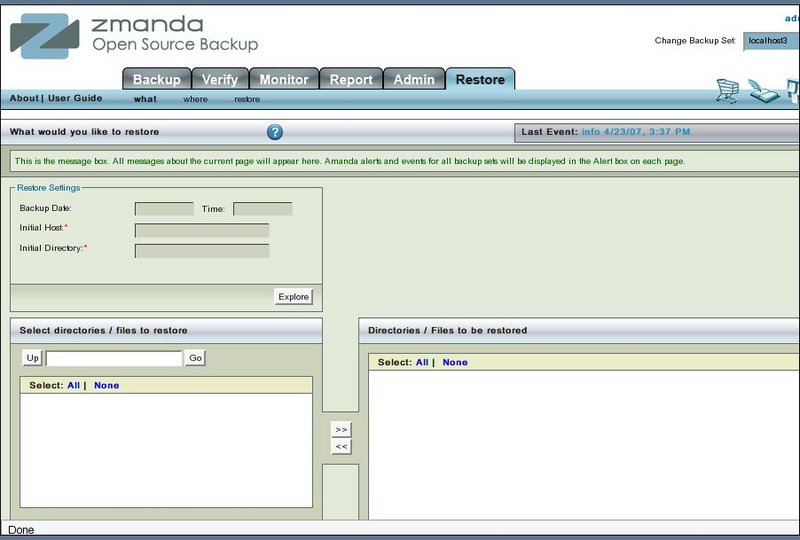
- There are three sub tasks of Restore as shown below

- The Restore What page allows a user to select directories and files to restore from a backup made on a particular date/ time.
- Specify the directory on which the restored files could be kept on the Restore Where page.
- Conflicts between existing files and restored files that need to be initially sorted out are also specified there.
- See the results of the restore operation on the restore page.