
Table of contents
ACTIVATE BACKUP
Introduction
A Backup Set must be activated for its automatically-scheduled backups to execute. Backup Sets must be activated individually. The Backup Activate page also includes an option for immediate execution of the Backup Set.
Activate Backup Page Overview
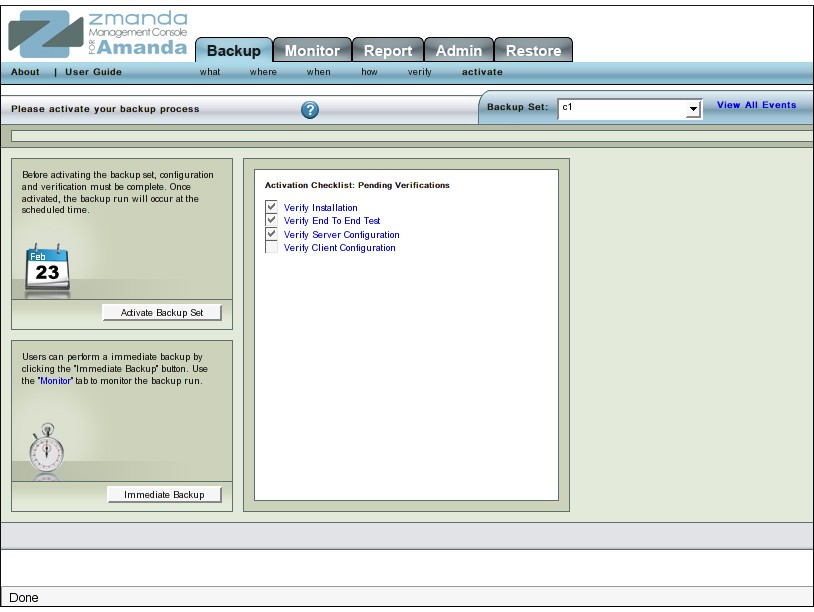 Activate Backup lets you select Backup Sets to put in production (in other words, begin executing the backups as scheduled). You can also 'Deactivate' an already activated Backup Set. When a Backup Set is deactivated, ZMC does not execute backup runs associated with that Backup Set.
You can also trigger an Immediate Backup to be executed at any time. When an Immediate Backup is run, the Message Box contains a Hyper link to the Monitor page.
Activate Backup Procedure
If you come to the Activate Backup Set page as part of initial configuration of a Backup Set, that Backup Set is already selected. Otherwise make sure the correct Backup Set is displayed in the Change Backup Set dropdown.
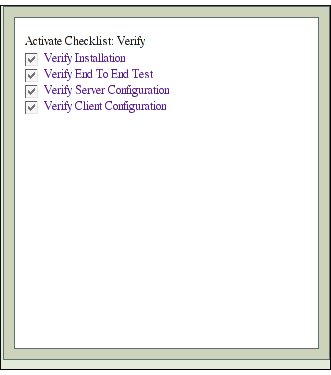
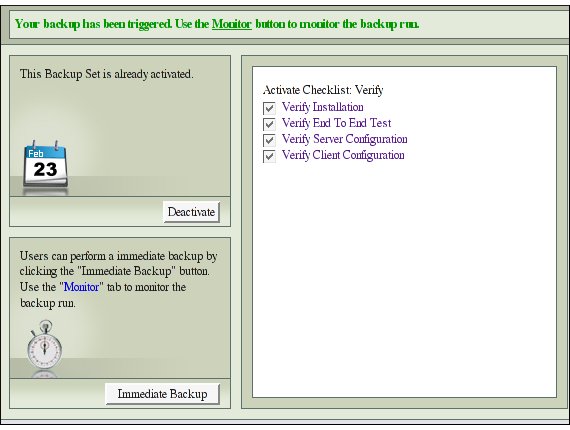
Before activating a Backup Set, you should should verify (1)the installation (2) the server (3) the clients and (4) end-to-end test through the corresponding Verify pages. If these tasks have been carried out before, the Activate Checklist Verify' panel will have all the four check boxes ticked as in shown in Figure 3 below.
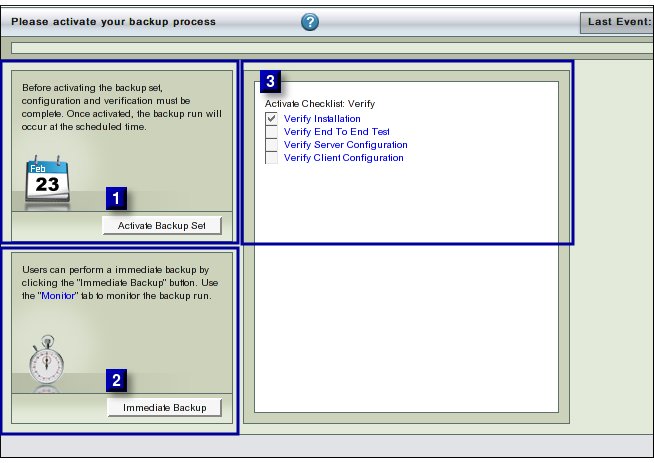
Please Note: In Figure 2, none of four boxes have been ticked, indicating that it would premature to activate the Backup Set.
Clicking Activate Backup Set (labeled No 1 in Fig. 2 above) activates the Backup Set and requires no further interaction.
Error Messages
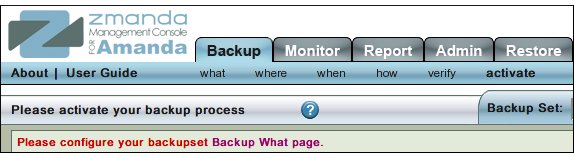
- Error messages, if any, will be displayed in the message box as shown below.
Success Message
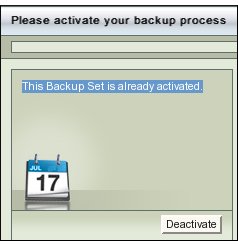
- Success is reported by a message "This Backup Set is already activated."
- The label on the 'Activate Backup Process' Button turns to 'Deactivate' as is shown below in Fig 5.
Immediate Backup
- Once a backup Set has been activated, an immediate backup can be taken at any stage by clicking the Immediate Backup Button (labeled No.2 in Fig2 above.)
Tip: You can also use the same button to immediately execute any previously activated Backup Set. Just select it from the drop down box at the top of the page and click Immediate Backup.
Monitor
When an Immediate Backup is run, the message area contains a link to the Monitor page.
Move to...
Once a Backup Set is activated, it requires no further intervention unless some problem arises. You may wish to monitor the server on the Monitor page, or go to the Reports page after a few backup runs have executed.